What the IVE Looks Can Kill AI Trend Actually Is
 Looks Can Kill AI Team
A practical guide to the IVE Looks Can Kill release, the girl-hero concept, fan-made photo-to-dance videos, and where the independent Looks Can Kill AI studio fits.
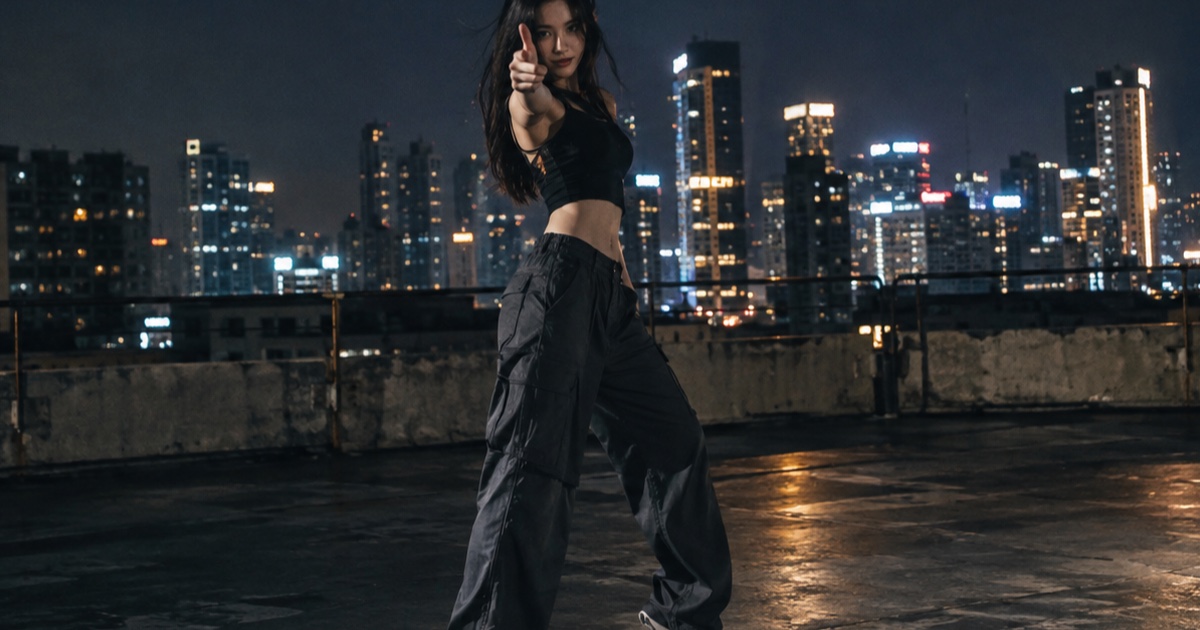
The IVE Looks Can Kill AI trend is not one official video. It is a loose, fan-made wave of short photo-to-dance and hero-style clips built around the visual language of a new K-pop release. The source of that language is clear: IVE is a K-pop girl group under Starship Entertainment, and Looks Can Kill is the title track of their fifth EP. The single was released on 19 October 2026, and the EP follows on 26 October 2026.
The release uses a girl-hero concept and a finger-gun / point choreography. That combination is easy to recognize in a vertical clip: a confident entrance, a sharp point or finger-gun gesture, dramatic framing, and a quick transformation from still photo to motion. Fans have taken that energy and made their own AI-assisted videos around it.
Below is a practical explainer: what the release is, what the fan-made trend actually does, and where this independent studio fits. The short version: the trend is fan-made, the official release belongs to IVE and Starship, and Looks Can Kill AI is a separate photo and text-to-video tool.
Example loaded — edit it or generate.
This clip: 35 credits · 10 clips a month for $39.90 (Pro), or 102 a year for $319
What the IVE Looks Can Kill release actually is
Looks Can Kill is the title track of IVE's fifth EP. The single arrived on 19 October 2026, with the EP following on 26 October 2026. IVE is under Starship Entertainment.
The release is built around a girl-hero concept. In practice, that means the visual language leans into hero framing, group formation, and a confident point-based choreography. The finger-gun / point move is the detail most fan edits latch onto because it reads clearly in a short vertical video: one gesture, one look, one beat.
That is also why the trend is easy to mix up with official content. Fans see a clip, a photo, or a prompt inspired by the release, and assume it is part of the rollout. It is not. A fan-made clip can be inspired by a concept without being official, and the distinction matters.
Why the girl-hero concept works in short clips
The concept gives creators a simple visual recipe. Start with a still photo. Add a hero entrance. Use a point or finger-gun gesture. Keep the frame vertical. End on a confident look.
Because the clip is short, the viewer does not need a full story. They need a clear before-and-after: photo to motion, static to hero. That is exactly the kind of task photo-to-video tools are built for.
What the fan-made photo-to-dance trend is
The fan-made photo-to-dance trend is a creator-led response to the release. A user takes a photo they own or have permission to use, writes a text prompt, and generates a short clip that mimics the energy of a girl-hero dance edit. The result might look like a hero entrance, a point gesture, a camera push, or a short dance-like motion.
These clips are not official recordings, official videos, or member likenesses. They are fan-made interpretations. The audio in a fan edit is separate from the video generation: the official recording is not included in this studio.
That is the key boundary. The trend is about the style and the gesture, not about pretending an AI clip is an official IVE release. If you make one, label it as fan-made and avoid implying endorsement.
How a photo-to-dance clip usually works
- Choose a photo you own or have permission to use. Do not upload a photo of someone else without permission.
- Open the studio or the feature page to start a photo/text-to-video generation.
- Write a short prompt that describes the motion, framing, and mood. Keep it about your own subject, not a specific IVE member.
- Set the output to the default 9:16 vertical frame and choose a duration between 5 and 12 seconds.
- Pick your resolution and render. Failed renders are refunded.
- Review the clip and keep it clearly fan-made. Do not add official logos or claim it is an official release.
For prompt structure, the prompt guide covers the useful parts: subject, gesture, camera, lighting, and duration. For a step-by-step workflow, see the how-to guide.
Where Looks Can Kill AI fits
Looks Can Kill AI (lookscankillai.pro) is an independent photo and text-to-video studio built on Seedance 2.0. It is not affiliated with IVE or Starship Entertainment. It does not include the official recording, the official video, or member likenesses.
The studio is designed for short, vertical, social-ready clips. You bring a photo you have the right to use, add a text prompt, and generate a clip. The default output is 9:16, and clips run from 5 to 12 seconds. That fits the photo-to-dance trend because the format is already vertical and short.
Users may only upload their own photo or a photo they have permission to use. That rule is not decorative. It protects the person in the photo and keeps the tool focused on consensual, creator-owned fan work.
Pricing and credit basics
Credits start at $9.90. A standard 720p 12-second clip costs 35 credits. A 480p 12-second clip is 20 credits, and a 1080p 12-second clip is 90 credits. Failed renders are refunded.
| Output | Duration | Credits | Best for | | ------ | -------- | ------- | ----------------------------- | | 480p | 12s | 20 | Quick drafts and timing tests | | 720p | 12s | 35 | Standard fan-style clips | | 1080p | 12s | 90 | Final vertical clips |
One-time packs never expire. Monthly credits expire at the end of the billing month. Yearly credits are valid for the billing year. You can check current options on pricing.
These details matter because AI video is iterative. You may need a few attempts to get the gesture, camera move, and framing right. Starting at 480p for a draft and moving to 720p or 1080p for the final version is a practical way to manage credits.
How to use the trend responsibly
The safest approach is to treat the trend as a style prompt, not a license to copy a person. Do not ask the tool to recreate a specific IVE member. Do not upload a photo of someone else without permission. Do not present a generated clip as official content.
Use your own photo or a photo you have permission to use. Keep the clip clearly fan-made. If you publish it, say what it is: a fan-made AI video inspired by the girl-hero concept and point choreography.
Also avoid adding official audio, official video clips, or official branding to a generated clip. This studio does not include the official recording, and the trend does not require it. The visual idea is enough: a confident hero entrance, a point gesture, and a clean vertical finish.
Practical prompt ideas for a girl-hero style clip
Keep prompts short and visual. Describe the motion you want, the camera angle, and the mood. For example: "Vertical 9:16 clip, subject in a confident hero pose, slow camera push-in, sharp finger-gun point gesture, dramatic rim lighting, clean background, 8 seconds."
Another option: "Photo to video, low-angle hero entrance, subject steps forward and points at camera, quick head turn, cinematic contrast, vertical framing, 6 seconds."
These prompts do not need a specific celebrity name. In fact, they work better when they describe the shot. Use the feature page for the trend-specific workflow and the prompt guide for more structures.
FAQ
Is Looks Can Kill AI official?
No. Looks Can Kill AI is an independent studio. It is not affiliated with IVE or Starship Entertainment. It does not include the official recording, official video, or member likenesses.
Does the studio include the official Looks Can Kill song?
No. The studio is a photo and text-to-video tool. It does not include the official recording. If you publish a fan-made clip, keep the audio and branding separate from official releases and do not imply endorsement.
Can I upload any photo?
No. Users may only upload their own photo or a photo they have permission to use. Do not upload a photo of someone else without permission, and do not use the tool to create member likenesses.
What does a clip cost?
Credits start at $9.90. A 480p 12-second clip is 20 credits, a standard 720p 12-second clip is 35 credits, and a 1080p 12-second clip is 90 credits. Failed renders are refunded. See pricing for current packs.
What format and length does the studio output?
The default output is 9:16 vertical. Clips run from 5 to 12 seconds. That makes the tool suitable for short fan-style photo-to-dance clips, hero entrances, and point-gesture edits.
Do credits expire?
One-time packs never expire. Monthly credits expire at the end of the billing month. Yearly credits are valid for the billing year.
Related guides
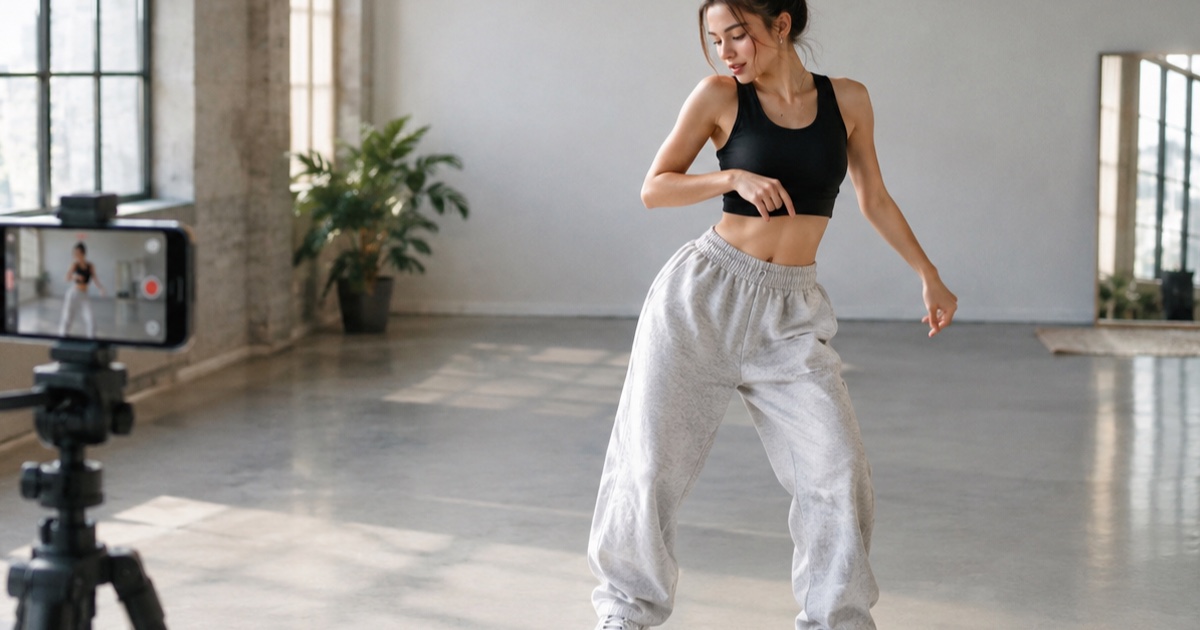
How to Make a 12-Second Vertical Hero-Point Dance Clip from One Photo
A practical step-by-step tutorial for turning one photo into a 9:16 hero-point dance clip with Looks Can Kill AI — source photo tips, motion prompts, credit costs, and export notes.
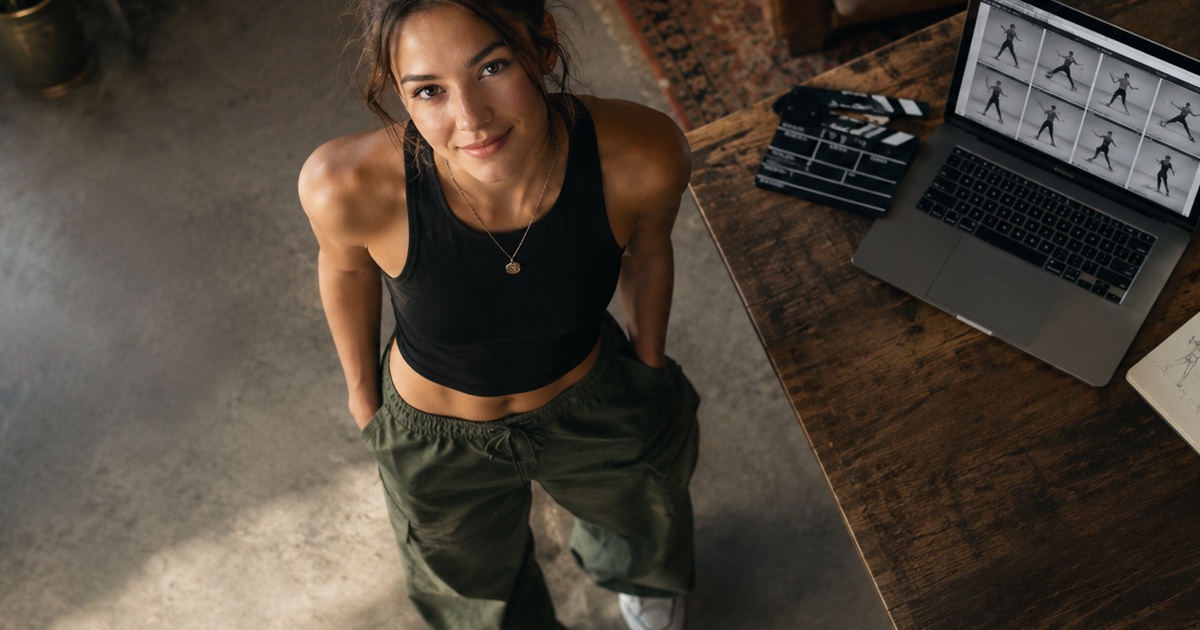
How to Write a Hero-Point Dance Prompt for Looks Can Kill AI
A practical prompt guide for the IVE “Looks Can Kill” hero-point dance vibe: subject lock, scene, one action, camera and exclusions, with five complete example prompts.
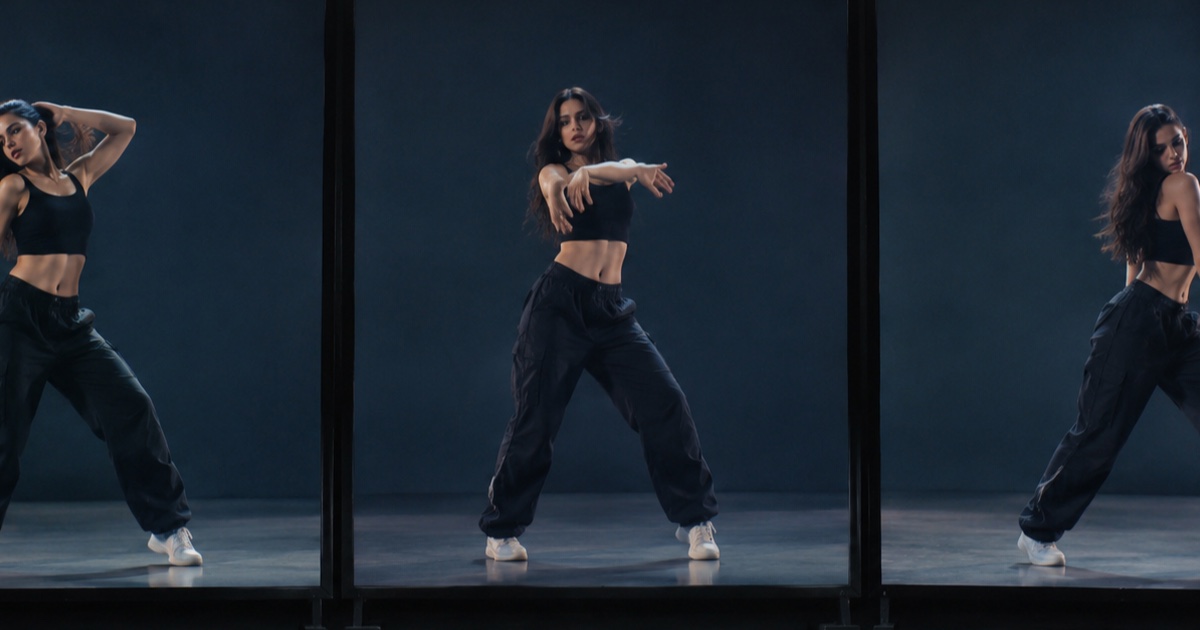
AI Dance Clips in 2026: Dance Templates vs. General Video Models vs. a Photo-First Studio
An honest, practical comparison of the three main ways people make AI dance clips in 2026: dance-template apps, general video models, and a photo-first studio like Looks Can Kill AI.