Looks Can Kill AI: 12 Real Questions About the Trend, Tool, Photos, Likeness, Audio, Pricing, Failures and Posting
 Looks Can Kill AI Team
A practical FAQ about the IVE Looks Can Kill trend, the independent Looks Can Kill AI studio, photo permission, likeness, audio, credits, failed renders and posting.
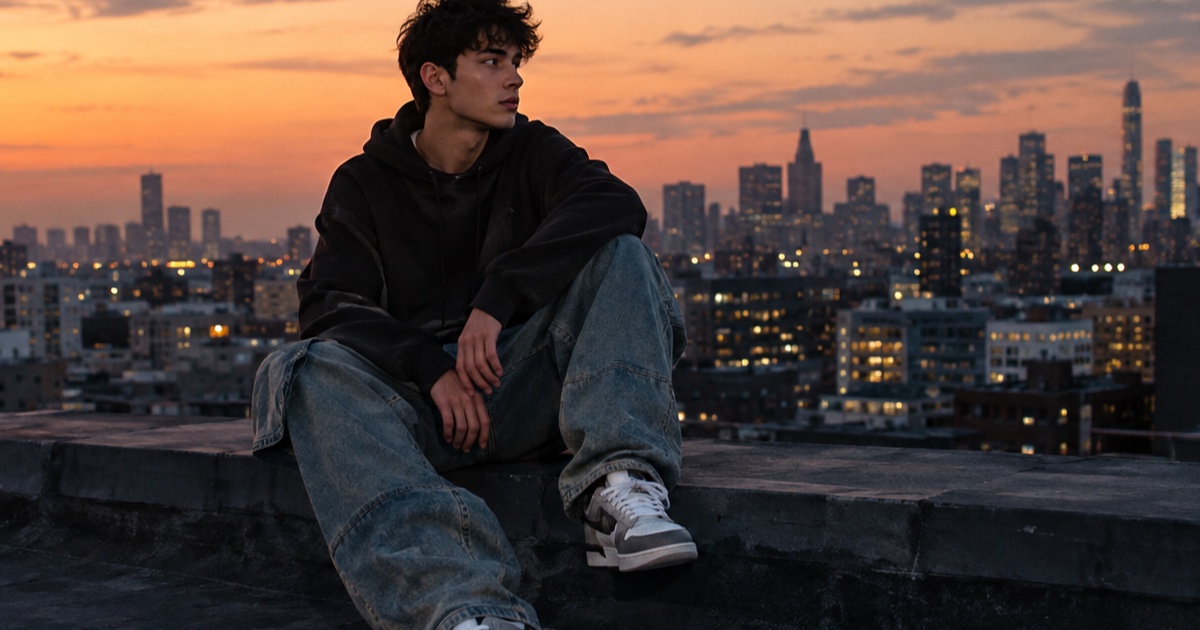
IVE’s “Looks Can Kill” is the title track of the group’s fifth EP. The single was released on 19 October 2026, and the EP follows on 26 October 2026. The release uses a girl-hero concept and a finger-gun / point choreography, which is why short, vertical dance clips and photo-to-video experiments are spreading around the title.
Looks Can Kill AI (lookscankillai.pro) is an independent photo/text-to-video studio built on Seedance 2.0. It is not affiliated with IVE or Starship Entertainment. It does not include the official recording, official video or member likenesses. Users may only upload their own photo or a photo they have permission to use.
This post is a practical FAQ for people who want to join the trend without guessing about photo rights, likeness, audio, pricing, failures or posting. It is not an official IVE page, and it does not replace the original release. If you are new to the trend, start with what is IVE Looks Can Kill AI; if you want a workflow, see how to make a Looks Can Kill AI dance video.
Example loaded — edit it or generate.
This clip: 35 credits · 10 clips a month for $39.90 (Pro), or 102 a year for $319
What Is the “Looks Can Kill” Trend?
The trend is built around the song and its visual language: a girl-hero concept, sharp group formations and a finger-gun / point move that reads well in short vertical clips. Creators are using the title as a reference point for fan edits, dance covers, styling clips and AI-assisted videos.
The important distinction is between the original release and an independent tool. IVE and Starship Entertainment own the official release and its materials. Looks Can Kill AI is a separate studio. It does not include the official recording, official video or member likenesses, and it should never be presented as an official IVE product.
How the Studio Fits In
Use the studio if you want to turn a photo or short text prompt into a vertical clip. The feature page explains the dance-focused workflow. Output is 9:16 by default and runs 5-12 seconds, which suits short-form feeds and keeps the motion focused.
The studio is built on Seedance 2.0. You bring the photo or idea; the tool generates a short video. You still need to handle rights, audio and posting context yourself. For a step-by-step workflow, read how to make a Looks Can Kill AI dance video.
Pricing and Credits
Check pricing for the current packs. Credits start from $9.90. A standard 720p 12-second clip costs 35 credits. A 480p 12-second clip costs 20 credits. A 1080p 12-second clip costs 90 credits. Output is 9:16 by default and can run from 5 to 12 seconds.
| Output | Standard length | Credits | Best for | | ------ | --------------- | ------- | ----------------------------- | | 480p | 12s | 20 | Quick drafts and motion tests | | 720p | 12s | 35 | Standard posting | | 1080p | 12s | 90 | Cleaner final export |
Failed renders are refunded. One-time packs never expire. Monthly credits expire at the end of the billing month. Yearly credits are valid for the billing year. Buy only the pack that matches your testing pace.
Photo Rights and Likeness
This is the part that matters most. The studio is not a photo library, and it is not a way to borrow someone else’s face or identity. Users may only upload their own photo or a photo they have permission to use. You should be able to explain where the photo came from and what rights you have.
- Use a photo you took, a selfie you own, or a photo you have explicit permission to use.
- If a friend or photographer took the photo, ask before uploading it.
- Do not upload photos of IVE members, public figures or strangers.
- Keep the original file and any permission messages in case a platform asks.
- Do not imply that IVE, Starship or the studio endorsed your clip.
Likeness and public figures
The studio does not include member likenesses, and it is not affiliated with IVE or Starship. Do not try to recreate an IVE member’s face or present a generated person as a member. If you want a girl-hero look, use styling, lighting, poses and your own likeness or a permission-cleared model.
Audio rights
Audio is a separate rights question. The studio does not include the official recording. If you add audio in an editor, use a track you are allowed to use and follow the platform’s rules. Do not claim that the official song is included in the tool.
Failures, Posting and Practical Checks
A failed render is refunded, so keep an eye on the render status before buying more credits. Common practical fixes are simple: use a clear photo, avoid heavy blur or extreme crops, keep the subject visible, and try a shorter 5-8 second clip before going to 1080p.
When posting, label AI-assisted work clearly where appropriate. Do not tag the clip as official, do not use official artwork as your own, and do not suggest that IVE or Starship approved it. The safest approach is a fan-style caption that names the trend, says it is AI-assisted, and keeps the focus on your own photo and editing.
FAQ
Is Looks Can Kill AI an official IVE tool?
No. Looks Can Kill AI is an independent photo/text-to-video studio built on Seedance 2.0. It is not affiliated with IVE or Starship Entertainment, and it does not include the official recording, official video or member likenesses.
Does the studio include the official song or official video?
No. The studio does not include the official recording or official video. If you add audio separately, you are responsible for using a track you have permission to use and following platform rules.
Can I upload a photo of an IVE member?
No. Users may only upload their own photo or a photo they have permission to use, and the studio does not include member likenesses. Do not upload IVE member photos or try to recreate their faces.
Can I use a photo I found on Pinterest or social media?
Not unless you have permission from the rights holder. Finding a photo online does not make it yours. Use your own photo or a photo with clear permission, and keep a record of that permission.
What if I own the photo but it shows someone else?
Owning the photo file is not always the same as having permission to generate a new video from that person’s likeness. Ask the person shown, especially if the clip will be posted publicly. When in doubt, use a photo of yourself.
How long can a clip be?
Output is 9:16 by default and runs 5-12 seconds. The standard credit examples use 12-second clips: 480p at 20 credits, 720p at 35 credits and 1080p at 90 credits.
How much does a clip cost?
Credits start from $9.90. A standard 720p 12-second clip costs 35 credits. For current packs and options, check pricing. One-time packs never expire, monthly credits expire at the end of the billing month, and yearly credits are valid for the billing year.
What happens if a render fails?
Failed renders are refunded. If a render fails repeatedly, simplify the photo, keep the subject clear, try a shorter duration and test at 480p before spending more credits on 1080p.
Do credits expire?
It depends on the pack. One-time packs never expire. Monthly credits expire at the end of the billing month. Yearly credits are valid for the billing year.
Can I post the result?
You can post your own clip if you have the rights to the source photo and any added audio, and if the post does not misrepresent the tool as official. Label AI-assisted work where appropriate and avoid member likenesses or official branding.
Why did my render fail?
Practical causes include a blurry or heavily cropped photo, an unclear subject, content that breaks the rules, or a prompt that asks for something the studio cannot do. Failed renders are refunded, but the fastest fix is usually a cleaner photo and a shorter test clip.
Is the finger-gun / point choreography included automatically?
No. The tool is a photo/text-to-video studio, not an official IVE choreography package. You can describe a short dance-like motion or use the feature page for workflow guidance, but the original choreography and official release belong to IVE and Starship Entertainment.
Related guides
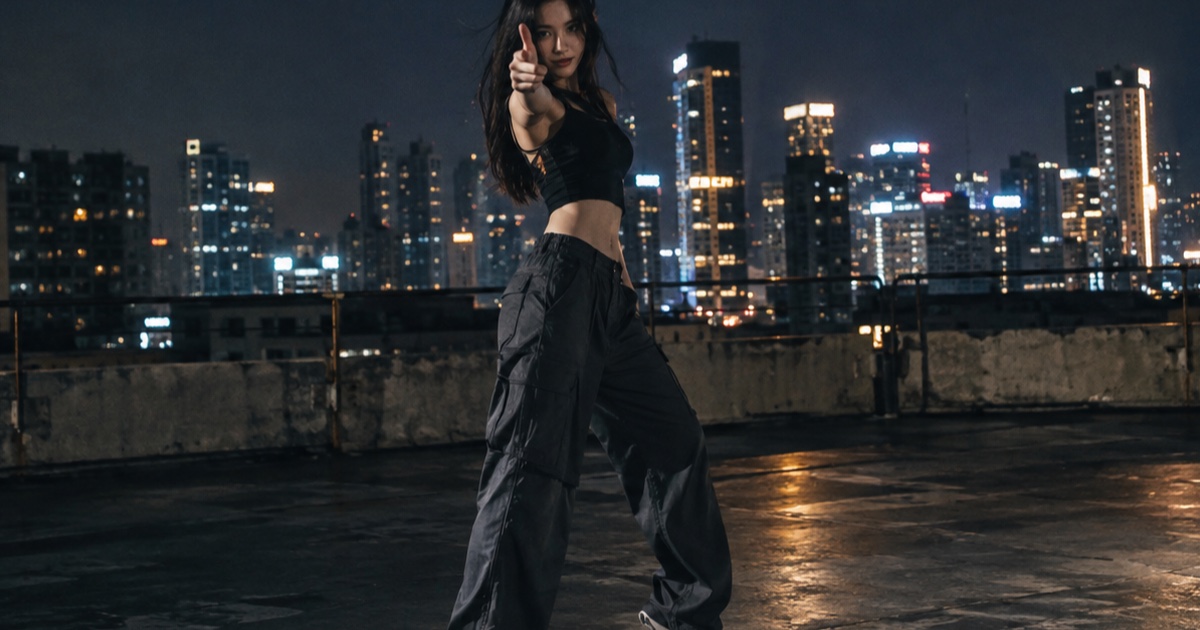
What the IVE Looks Can Kill AI Trend Actually Is
A practical guide to the IVE Looks Can Kill release, the girl-hero concept, fan-made photo-to-dance videos, and where the independent Looks Can Kill AI studio fits.
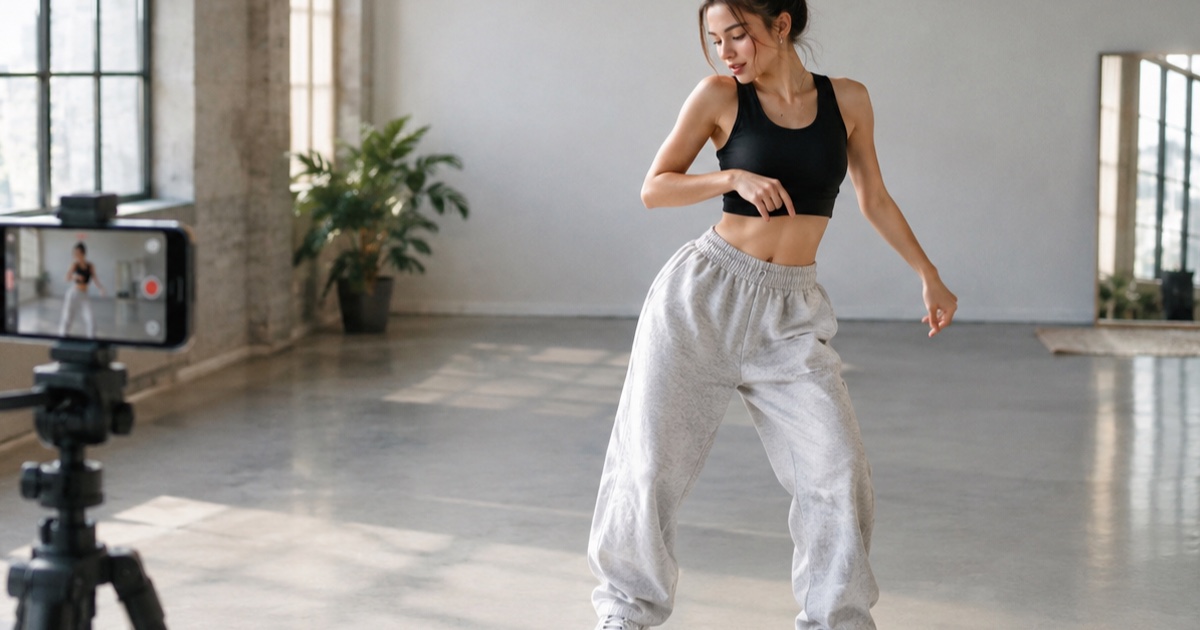
How to Make a 12-Second Vertical Hero-Point Dance Clip from One Photo
A practical step-by-step tutorial for turning one photo into a 9:16 hero-point dance clip with Looks Can Kill AI — source photo tips, motion prompts, credit costs, and export notes.
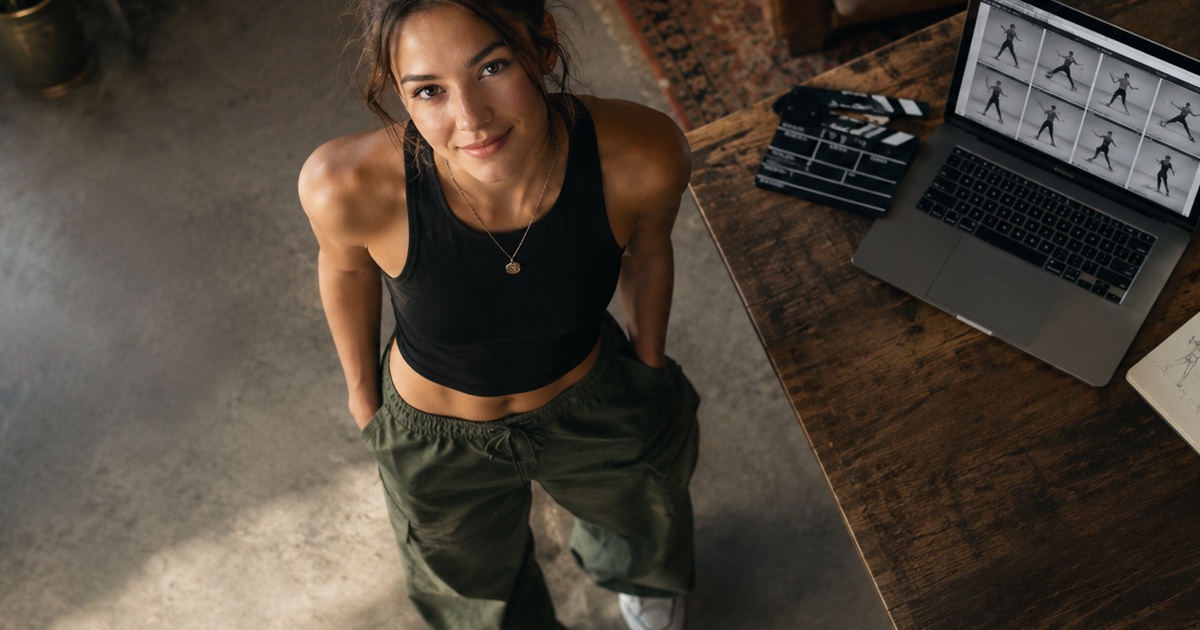
How to Write a Hero-Point Dance Prompt for Looks Can Kill AI
A practical prompt guide for the IVE “Looks Can Kill” hero-point dance vibe: subject lock, scene, one action, camera and exclusions, with five complete example prompts.