Fan-made trend studio · 9:16 · 12 seconds

AI K-pop Video Generator for the "Looks Can Kill" Hero Point

You have seen the clip on your feed: one still photo, then a jump cut into a finger-gun point, jacket snapping, camera pushing in. That is the fan-made "Looks Can Kill" trend, and it does not need a crew, a ring light or a dance rehearsal. Upload a photo or a line of text, pick the hero-point beat, and the studio renders a short vertical clip you can post the same evening.

This page is for creators who want the look without a film set: solo dancers, editors filling a short-form calendar, and fans who would rather direct a ten-second shot than learn a full routine. Everything is generated — no official footage, no member likenesses, no label audio. You bring the photo; the studio brings the camera move, the point choreography and the 9:16 frame.

Clips on this page are AI-generated previews. They are fictional and not a record of a real event.

Updated 20 October 2026

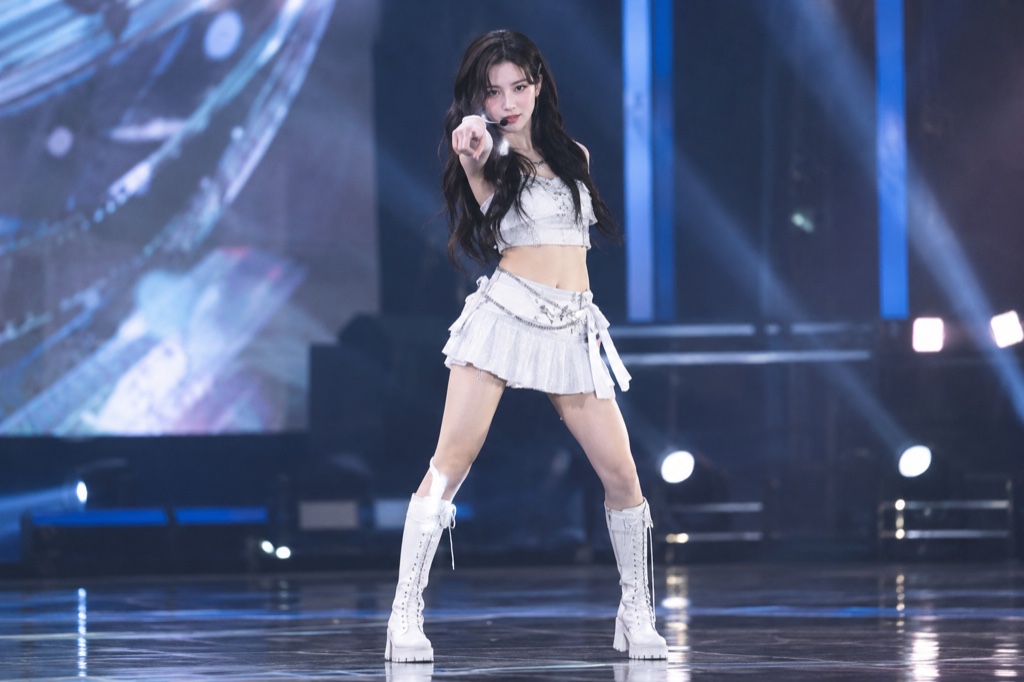
Vertical 9:16 preview frame of an AI-generated K-pop hero-point clip with a finger-gun pose
Length
5–12 seconds
Resolution
480p · 720p · 1080p
Aspect ratio
9:16 · 16:9 · 1:1
Watermark
None on paid renders
Model
Seedance 2.0
Moderation
SeeAPI, fail-closed

Photo-to-video, not a template swap

One uploaded photo drives the face, hair and outfit in the render, so the clip reads as you rather than a stock dancer. The model animates the pose and camera move instead of pasting your head onto existing footage.

Framed for 9:16 from the start

Every standard render is a vertical 720p clip of about 12 seconds — long enough for the walk-in, the hero point and the hold, and short enough to loop cleanly on Shorts, Reels and TikTok.

Honest credits, refunded failures

Credits start at $9.90 and a standard 720p 12-second clip costs 35 credits. If a render fails, the credits go back to your balance — you are not charged for output you never received.

How it works

  1. 1

    Upload the photo you want in frame

    A front-facing shot with even light and visible shoulders works best: no group photos, no heavy beauty filters, no extreme angles. The clearer your silhouette, the cleaner the point choreography reads once the model animates it.

  2. 2

    Describe the beat and the styling

    Write a short prompt covering outfit, background, camera push and where the finger-gun point lands. Mentioning "hero point at the drop" and a simple set like a rooftop or a white studio keeps the render focused instead of busy.

  3. 3

    Render the 720p vertical cut

    A standard render produces a 9:16, 720p clip of roughly 12 seconds for 35 credits. You see the frame, the movement and the timing before you commit the clip to a post.

  4. 4

    Review, re-roll, then publish

    If the pose timing or the outfit misses, adjust one variable at a time and render again. Failed renders are refunded, so a bad roll costs you a retry rather than a purchase.

Start from a tested prompt

Each prompt is complete: subject, scene, camera and what must not change. Copy it or open the studio with it pre-filled.

Storyboard showing one uploaded photo turning into a 12-second vertical Looks Can Kill style dance clip

Practice room

A practice room scene that keeps the face and outfit from your photo.

Prompt (English)

Use the person in the uploaded photo as the only hero. Keep their face, hair, skin tone and outfit exactly as photographed. A bright dance practice room with a mirrored wall, pale wooden floor and soft daylight. The person faces the mirror, then turns to the camera: they roll their shoulders, cross their arms near the face, snap a finger-gun point at the lens, take a quick side step, lift a bent leg and finish with an arm raised overhead. One continuous vertical 9:16 shot at full-body distance, handheld camera with a gentle push-in, clean natural light. No text, no watermark, no other people, no real celebrities, no logos.

Use in studio

Rooftop hero

A rooftop hero scene with a tighter camera and a held final pose.

Prompt (English)

Use the person in the uploaded photo as the only hero. Keep their face, hair, skin tone and outfit exactly as photographed. Night rooftop above a glowing city skyline, a light breeze moving their hair and jacket. The person walks two steps toward the lens, crosses their arms, snaps a finger-gun hand toward the camera, points at the lens, shifts their weight through a sharp side step, lifts one bent leg, raises an arm overhead and settles into a wide action-hero stance with one final point. One continuous vertical 9:16 shot at full-body distance, a slight low angle, cinematic teal and amber light, slow motion on the snap. No text, no watermark, no other people, no real celebrities, no logos.

Use in studio

Spotlight finale

A spotlight finale scene for a more graphic, stylised result.

Prompt (English)

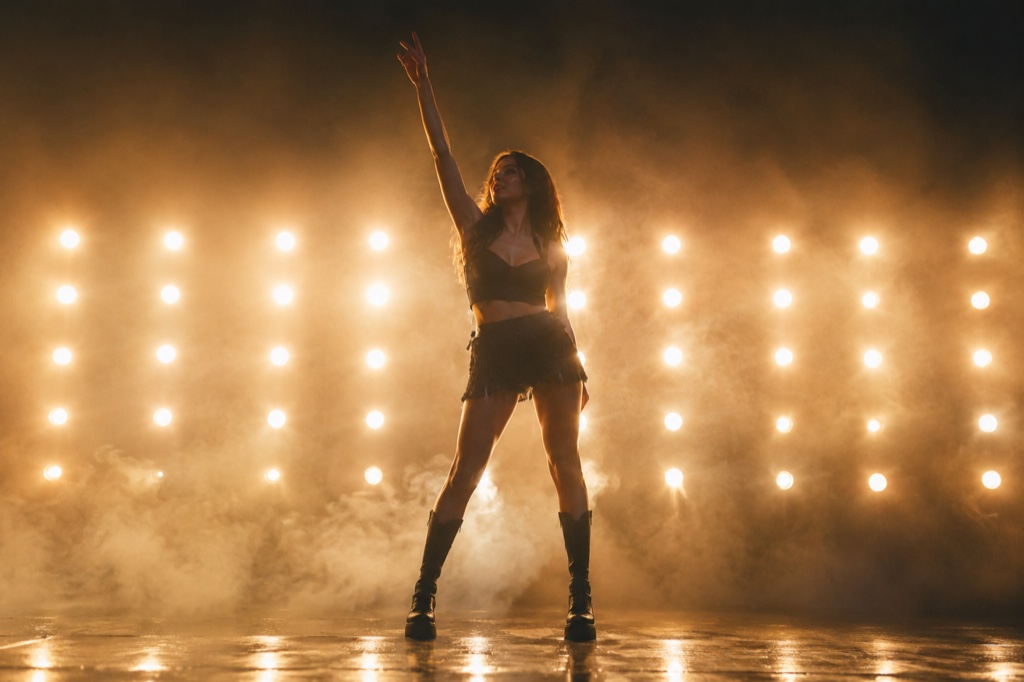
Use the person in the uploaded photo as the only hero. Keep their face, hair, skin tone and outfit exactly as photographed. A dark stage with a single warm spotlight and a thin haze in the air. The person steps into the light, crosses their arms, snaps a finger-gun point at the lens, shifts through a side step, lifts a bent leg and finishes with an arm overhead and a held final pose as the light tightens on them. One continuous vertical 9:16 shot at full-body distance, slow push-in, deep shadows and warm rim light. No text, no watermark, no other people, no real celebrities, no logos.

Use in studio

What the "Looks Can Kill" AI trend actually is

IVE is a K-pop girl group under Starship Entertainment. "Looks Can Kill" is the title track of their fifth EP: the single arrived on 19 October 2026 and the EP follows on 26 October 2026, built around a girl-hero concept and a finger-gun, point-style choreography.

The AI trend around it is fan-made, not an official campaign. People upload a single photo and generate a short vertical clip of themselves hitting the hero point — the appeal is directing a ten-second shot without a crew, a location or a dance routine.

Looks Can Kill AI is an independent studio and is not affiliated with IVE or Starship. It does not use the official recording, the official video or any member likenesses, and it makes no claim to be an official product.

Prompting choreography instead of chaos

Generated dance clips go wrong when the prompt asks for everything at once. Name one camera behaviour (slow push-in, snap zoom on the point), one setting, and one styling choice. That gives the model fewer conflicting instructions to average out.

Timing language helps: describe the clip as "step forward, point at camera, hold" rather than "dance energetically". The 12-second window is roughly three beats of action, so plan for an entry, the hero point and a clean finish.

Keep hands visible in your source photo. The point choreography depends on reading the arm line, and a photo where the hands are cropped or hidden gives the render almost nothing to work with.

Credits, costs and what you get

There is no subscription gate on this page: you buy credits, starting at $9.90, and spend them per render. A standard 720p 12-second vertical clip costs 35 credits, which makes the per-clip cost predictable before you start.

Failed renders are refunded to your balance, so experimenting with prompts does not quietly drain the account. Re-rolls you deliberately request are normal renders and are charged the same way.

The output is a generated clip, not a licensed music video. Add your own audio, keep the clip clearly labelled as AI-made fan content, and make sure you hold the rights to the photo you upload.

Questions people ask

Is this an official IVE or Starship tool?

No. Looks Can Kill AI is an independent fan-oriented studio with no affiliation to IVE or Starship Entertainment. It is not endorsed by the group or the label, and it does not present itself as an official product.

Does the site include the official song or music video?

No. The tool does not use the official recording, the official video or any member likenesses. You generate the visual clip and add your own audio afterwards.

How much does one clip cost?

Credits start at $9.90. A standard 720p clip of about 12 seconds costs 35 credits, and any render that fails is refunded to your balance.

What photo should I upload?

A single front-facing photo with even lighting, visible hands and clear shoulders. Avoid group shots, heavy filters, cropped hands and heavy motion blur — the model needs a readable silhouette to animate the point.

How long is the finished video, and in what format?

A standard render is a vertical 9:16 clip at 720p, roughly 12 seconds long — sized for Shorts, Reels and TikTok loops rather than landscape uploads.

Can I post the result on my own channels?

Yes, as generated fan content. Label it as AI-made, use audio you have the rights to, and only upload photos you own or have permission to use. You are responsible for how the clip is published.

Turn your photo into a clip

Start with the preset on this page, or write your own shot. Credits are shown before you generate, and failed renders are refunded.